
Introduction: Software Didn’t Break — It Evolved
Enterprise software didn’t suddenly become “legacy.”
It evolved step by step — solving real business problems at every stage.
If your business still runs on FoxPro, VB6, ASP Classic, or WebForms, that system is not outdated by accident.
It exists because it once made perfect sense.
Understanding this evolution is the first step to modernizing it correctly.
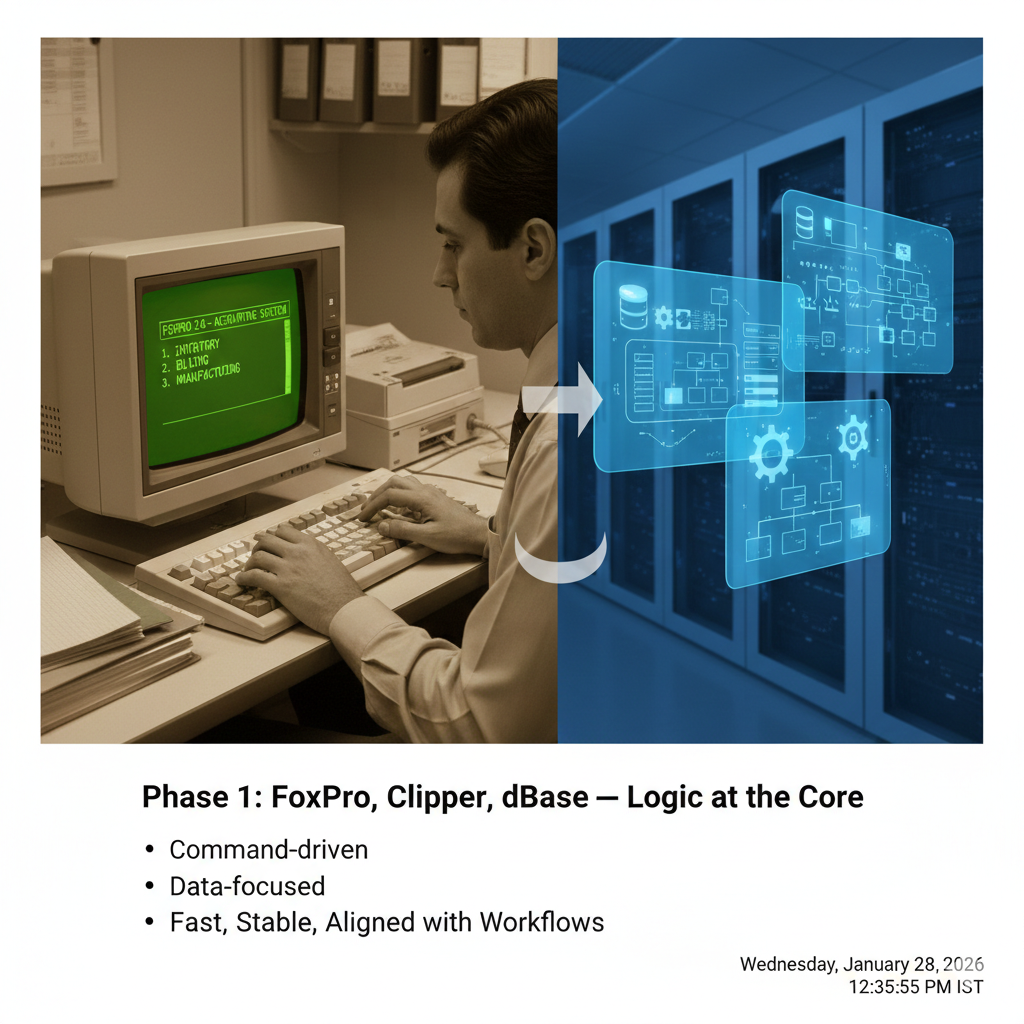
Phase 1: FoxPro, Clipper, dBase — Logic at the Core
Early systems were:
- Command-driven
- Data-focused
- Logic-first
FoxPro and similar tools powered:
- Accounting
- Inventory
- Billing
- Manufacturing
These systems were fast, stable, and tightly aligned with business workflows.
Why they lasted:
They were built around how businesses actually worked.
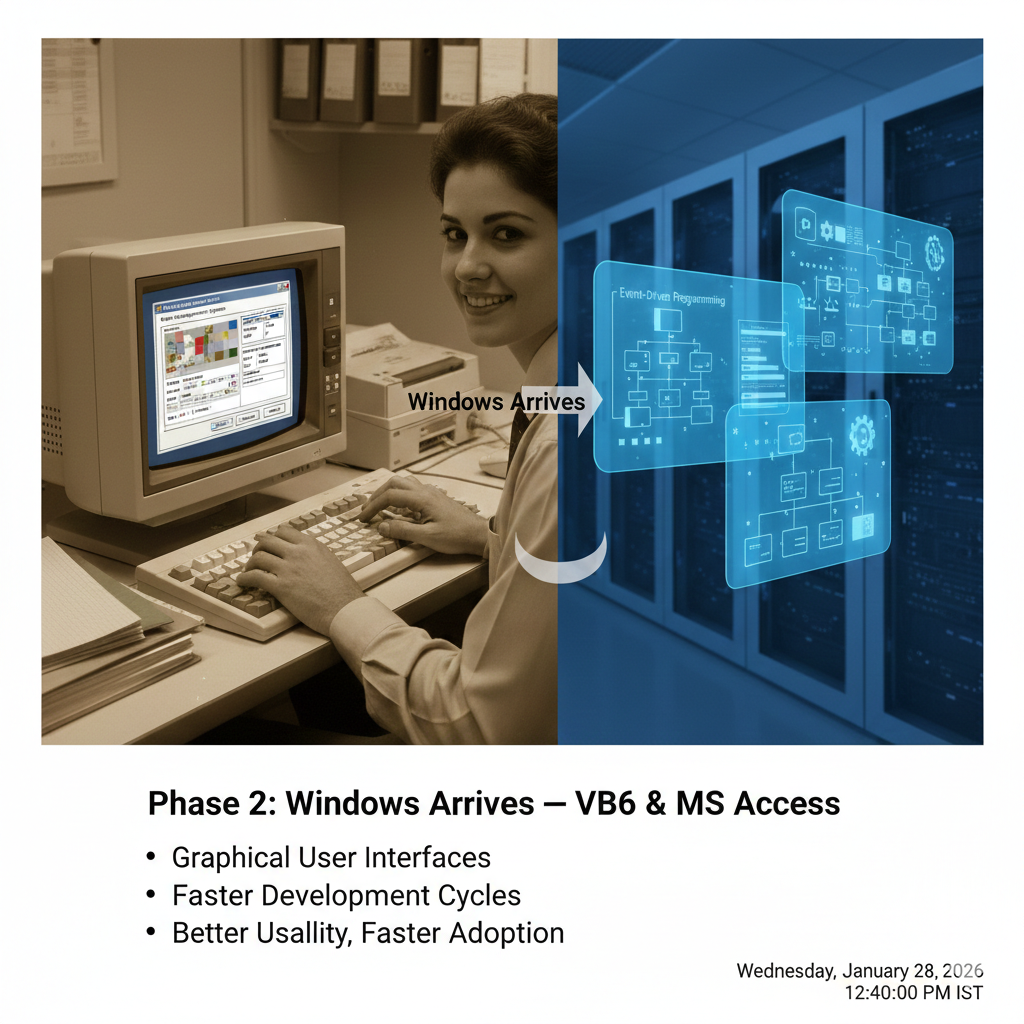
Phase 2: Windows Arrives — VB6 & MS Access
Windows changed everything.
VB6 introduced:
Graphical user interfaces
Event-driven programming
Faster development cycles
For businesses, this meant:
Better usability
Faster adoption
Lower training costs
Thousands of mission‑critical applications were built in this era — and many still run today.
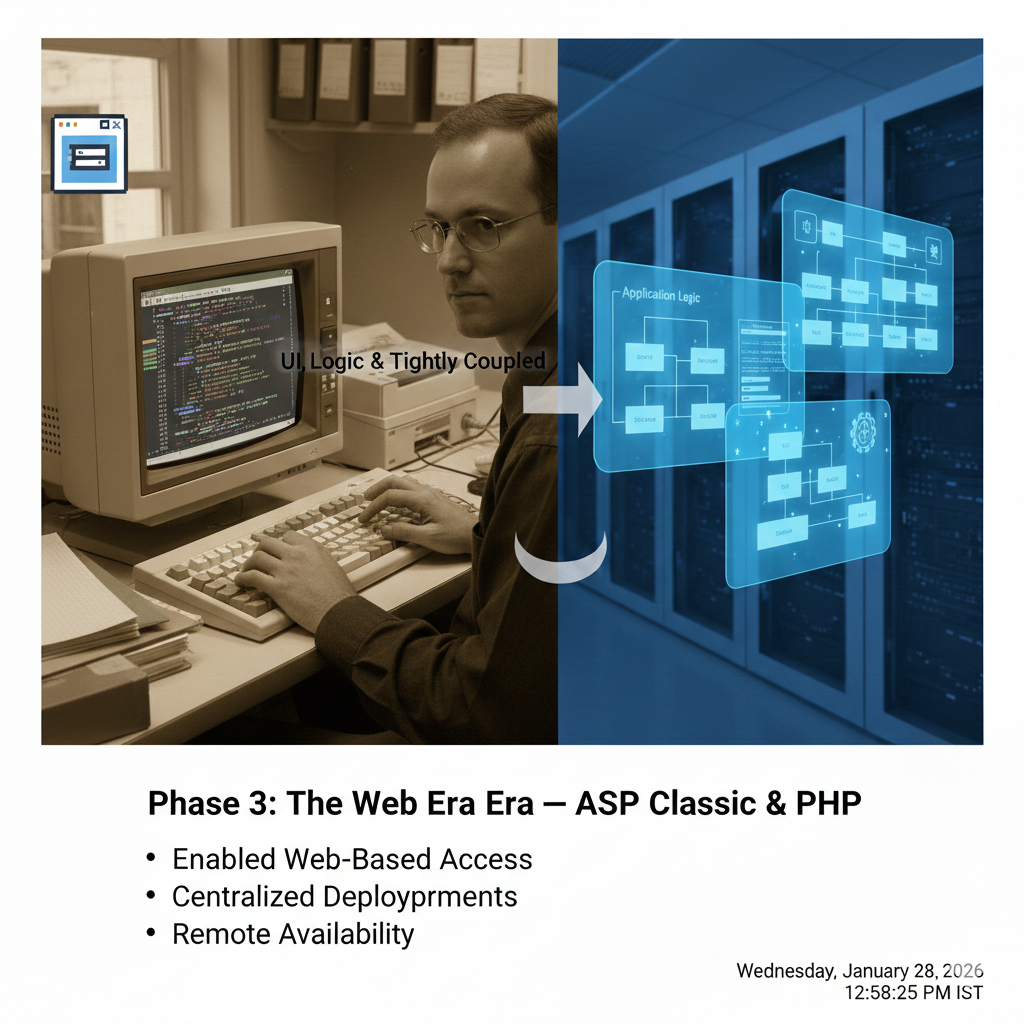
Phase 3: The Web Era — ASP Classic & PHP
As the internet grew, software moved to browsers.
ASP Classic and PHP:
Enabled web-based access
Centralized deployments
Remote availability
But there was a tradeoff:
UI, logic, and data were tightly coupled
Scalability and maintainability became challenges later
Still, these systems worked well for their time.
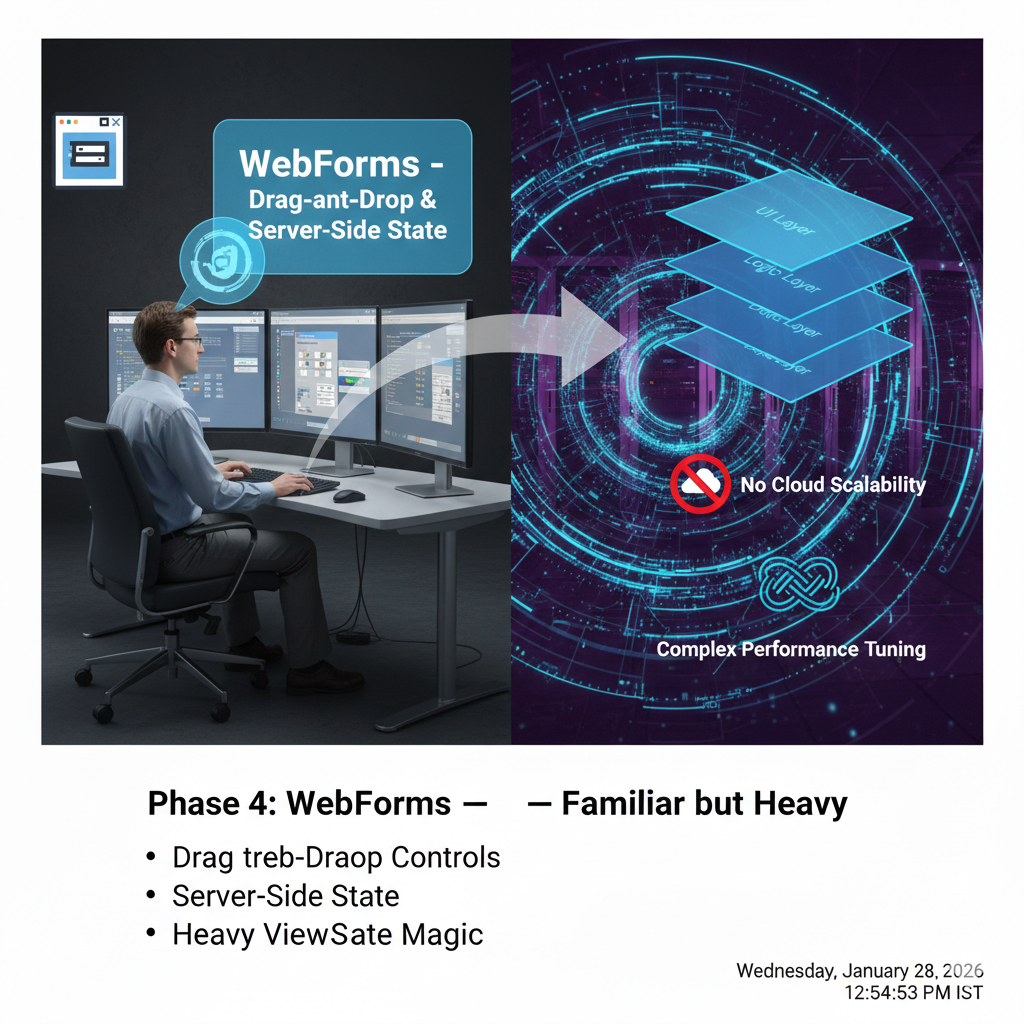
Phase 4: WebForms — Familiar but Heavy
WebForms tried to bring VB-style development to the web:
Drag-and-drop controls
Server-side state
ViewState magic
It helped desktop developers transition quickly — but:
Applications became state-heavy
Cloud scalability was not a design goal
Performance tuning became complex
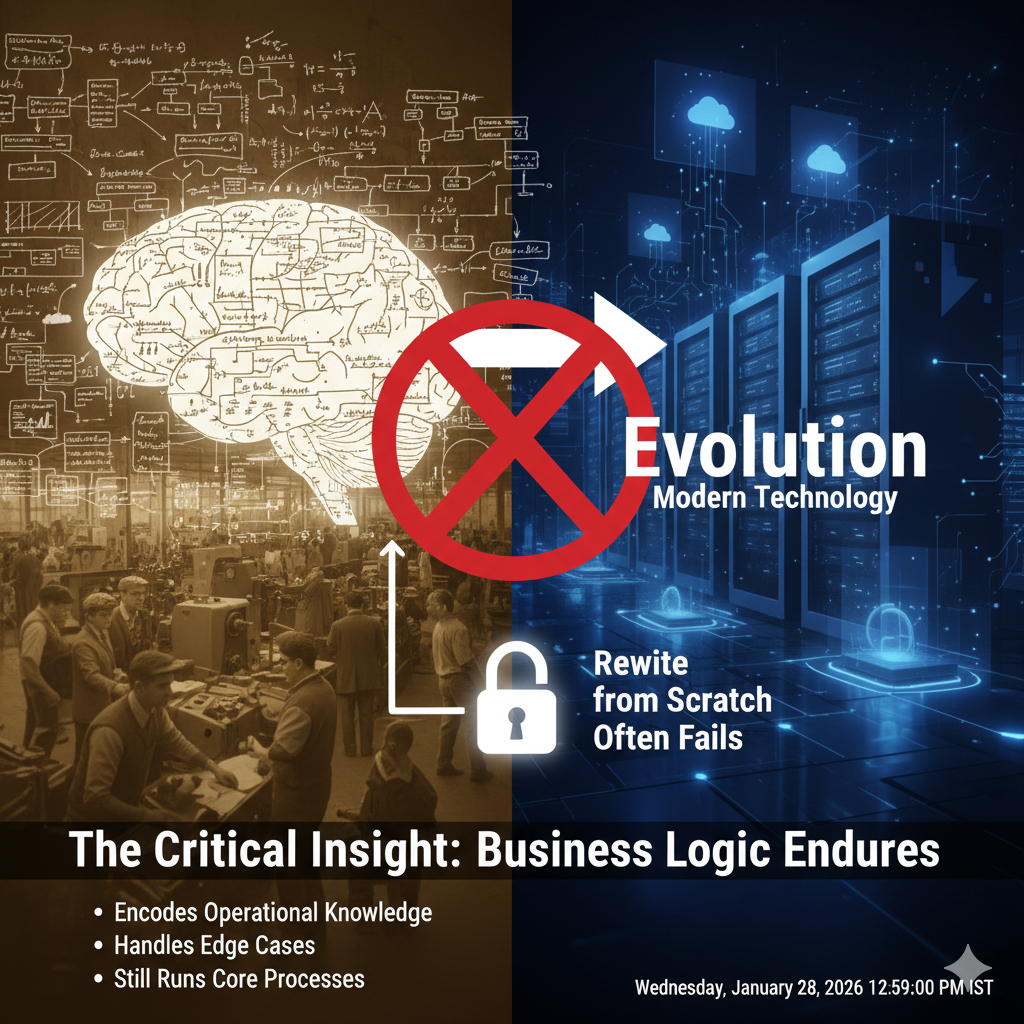
The Critical Insight
Technology changed.
Business logic did not.
That logic:
Encodes years of operational knowledge
Handles edge cases no one remembers documenting
Still runs core business processes
This is why “rewrite from scratch” often fails.
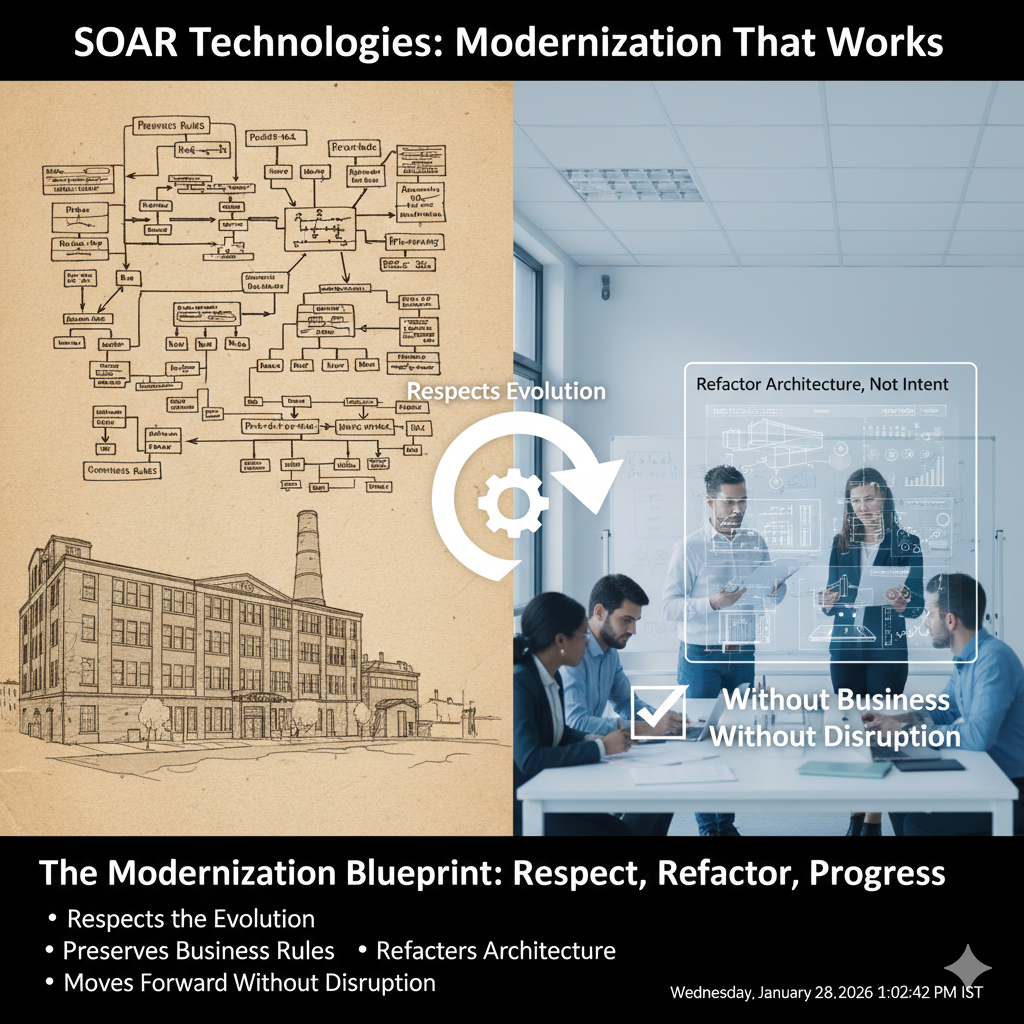
What This Means for Modernization
Successful modernization:
Respects the evolution
Preserves business rules
Refactors architecture, not intent
Moves forward without business disruption
At SOAR Technologies, we modernize legacy systems by understanding where they came from before deciding where they should go.
Who This Is For
This blog is for organizations that:
Run FoxPro, VB6, ASP Classic, or WebForms
Depend on them for daily operations
Want modernization without breaking the business